0%

Python(matplotlib) 改变画布背景

起因:为了设置画布不透明效果

对象形式:[1]

1
2
3
4
5
6
7
8
9
10
11
12
13
14
import matplotlib.pyplot as plt
fig = plt.figure()
fig.patch.set_facecolor('white') # 设置画布白色不透明(坐标轴外),再画图
fig.patch.set_alpha(1)
ax = fig.add_subplot(111) # 创建1*1的网格,并添加第一个网格
ax.patch.set_facecolor('white') # 设置白色不透明(坐标轴内)
ax.patch.set_alpha(1)

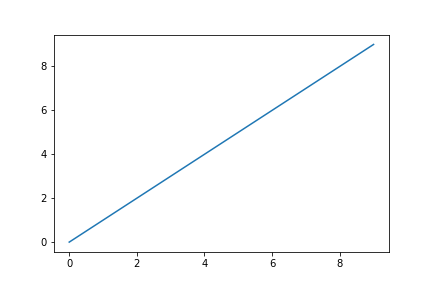
ax.plot(range(10))

# If we don't specify the edgecolor and facecolor for the figure when
# saving with savefig, it will override the value we set earlier!
fig.savefig('test01.png', facecolor=fig.get_facecolor(), edgecolor='none') # 一定要加这俩个参数,否则保存后会被改掉参数
plt.show()

形式[2]

1
2
3
4
5
6
7
8
9
10
11
import matplotlib.pyplot as plt
plt.rcParams.update({
"figure.facecolor": ('#FFFFFF'), # 白色 坐标轴外
"axes.facecolor": ('#FFFFFF'), # 白色 坐标轴内
"savefig.facecolor": ('#FFFFFF'), # 白色 保存图片时
})

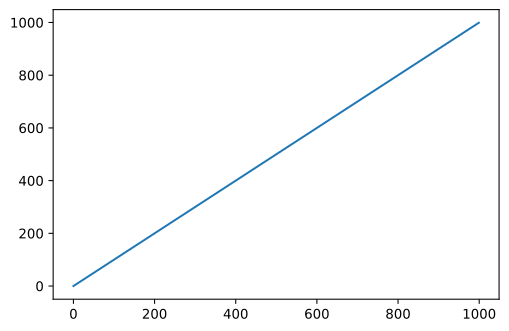
plt.plot(range(1000))

plt.savefig('test02.svg', facecolor=fig.get_facecolor(), edgecolor='none',format='svg',dpi = 600, bbox_inches='tight')
plt.show()
  • bbox_inches='tight' : 解决导出图片时,坐标轴外内容过多没保存下来[3]
  • fname即 test02.svgformat='svg'dpi = 600 为导出矢量图的三个参数

参考文章

+